
Using this method, you can display a picture held elsewhere on a web site, usually referred to in the online world as embedding a picture. While it's not against copyright to do this provided that you don't place a copy of the picture on this server, it's usually good practice to make sure that the owner is happy for us to do so. It's general good practice on the internet and on sites like ours to show a thumbnail (small version) of a picture and only showing the larger one if the user clicks on it - if you're going to do that you'll need the URL of both the main picture and of its thumbnail.
Follow the following steps to show a picture held elsewhere.
1. FInd the URLs/addresses of the picture you want to show. Quite often you can get these by right clicking on the picture on a web page and selecting Copy Image URL or similar, depending on your browser.
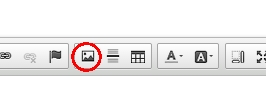
1. Press the Picture button in the editor toolbar
2. A dialog will appear, similar to the one shown below. You are first presented with the Image Info tab. In the URL field of the dialog, paste the URL of the picture you want to show in the article of the page you're writing. If you have put a thumbnail URL in that field, select the Link tab of the dialog. In the URL field shown there paste the URL of the main (large picture) that you want to display.
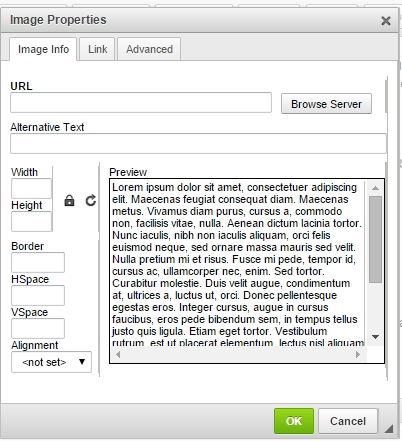
3. Press the green OK button. The picture will appear in the page and you can keep on editing. Note that you can change the properties of the picture displayed by selecing the picture while editing and pressing the Image button in the toolbar again.